Quick summary
- Stepio turns one screen recording into a narrated walkthrough video and a step-by-step guide, then localizes both into 100+ languages.
- Guidde captures browser workflows as short narrated how-to guides.
- Loom records quick screen and camera messages that are easy to share.
- Camtasia gives experienced editors full timeline control for polished tutorials.
- Screen Studio adds smooth automatic zooms and cursor effects to Mac recordings.
- Storylane builds clickable interactive demos for sales and marketing.
- Appcues shows tooltips and guided tours inside your live product.
Try Stepio if you want walkthrough videos and written guides from the same recording, kept current as your product changes.
Types of product walkthroughs
A product walkthrough is anything that shows someone how your product works. The format you pick decides how much effort it takes to build and how much it costs to keep up to date.
- Demo videos show the value of the product to prospects. They live on websites, in sales emails and in launch posts.
- Tutorial and how-to videos teach a specific task step by step. They power help centers, onboarding and internal training.
- Feature announcements introduce something new in a minute or two so existing users actually try it.
- Interactive demos let prospects click through a captured copy of the product at their own pace.
- In-app tours place tooltips and modals on top of the live product to guide users through a flow.
What to look for in product walkthrough software
- Time to first walkthrough. How long from raw recording to something you can publish? AI scripts, voiceovers, zooms and captions each remove a manual step.
- Ease of updates. Products change every sprint. Check whether you can fix one step without re-recording the whole thing.
- Video and written output. Many viewers prefer to skim. A tool that produces a written guide alongside the video covers both.
- Branding. Logos, colors, intros and outros should apply automatically, not be rebuilt for each video.
- Languages. If you sell or support customers in more than one market, check translated voiceovers, captions and guides.
- Who can use it. The best walkthroughs come from people who know the product, not only from video editors.
Top tools compared
Stepio
Best for: Product, onboarding and customer education teams that need demo and tutorial walkthroughs in many languages.
What it is
Stepio starts from a screen recording. It turns rough narration into a clear script, adds an AI voiceover, zooms and captions, and builds a step-by-step guide with screenshots from the same recording.
Every walkthrough can be localized into 100+ languages, and edits to the script flow through to the video, the guide and every translation.
Key features
- Walkthrough video and step-by-step guide from one recording
- AI script cleanup and studio-quality voiceovers
- Automatic zooms, captions and branding
- 100+ languages for voiceover, captions and guides
- Edit the script to update a step without re-recording
- Hubs that publish walkthroughs in one shareable place
Pros
- Fast path from a raw recording to a finished walkthrough.
- Video and written guide always stay in sync.
- Localization built in rather than bolted on.
Cons
- Focused on screen-based walkthroughs, not on-camera presenter video.
- Not an in-app tour tool, so it does not place tooltips inside your product.
Pricing
Stepio has a free plan, paid plans that scale with usage, and custom pricing for larger teams. See the pricing page for current plans.
Guidde
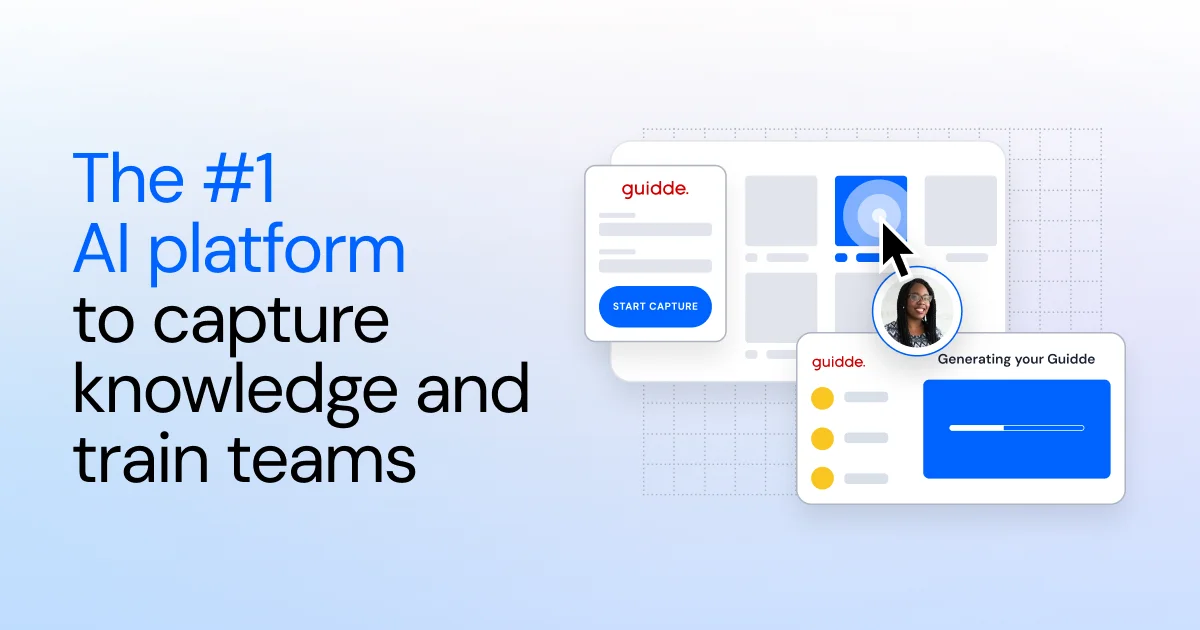
Best for: Teams documenting browser workflows as short how-to guides.
What it is
Guidde records clicks in the browser and turns them into a sequence of steps with narration, which suits quick internal and customer how-tos.
Pros
- Captures steps automatically while you work.
- Steps are easy to reorder and edit.
Cons
- Recording is centered on the Chrome browser.
- Limited control over the video edit and branding.
Pricing
Guidde has a free plan and paid per-user plans. Check current limits on videos and AI voices.
Loom
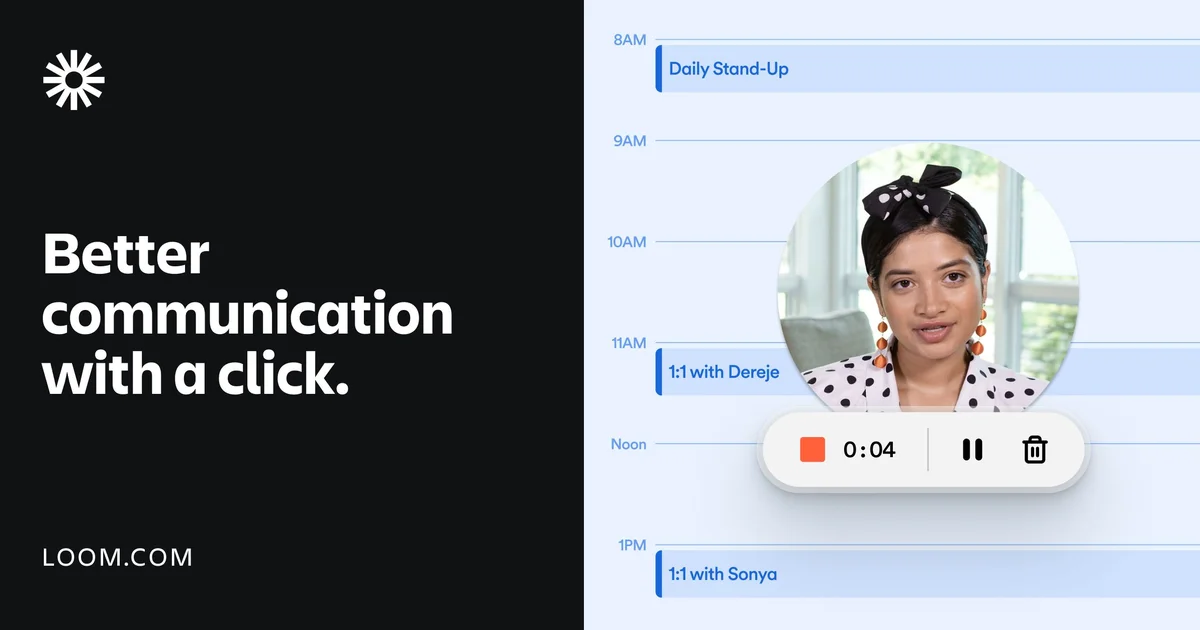
Best for: Quick, informal walkthroughs shared with a link.
What it is
Loom records your screen and camera from a browser extension or desktop app and gives you a link the moment you stop recording.
Pros
- Very easy to start and share.
- Viewer analytics and comments.
Cons
- Basic editing and few branding options.
- Updating a walkthrough usually means recording it again.
Pricing
Loom has a free plan and paid per-user business plans.
Camtasia
Best for: Experienced editors building detailed, highly produced tutorials.
What it is
Camtasia by TechSmith is a desktop video editor with a full timeline, effects library, cursor highlighting and quizzes.
Pros
- Precise control over every frame.
- Large library of effects and assets.
Cons
- Steep learning curve and slow manual editing.
- Voiceovers and updates are mostly manual.
Pricing
Camtasia is sold as a yearly subscription per user.
Screen Studio
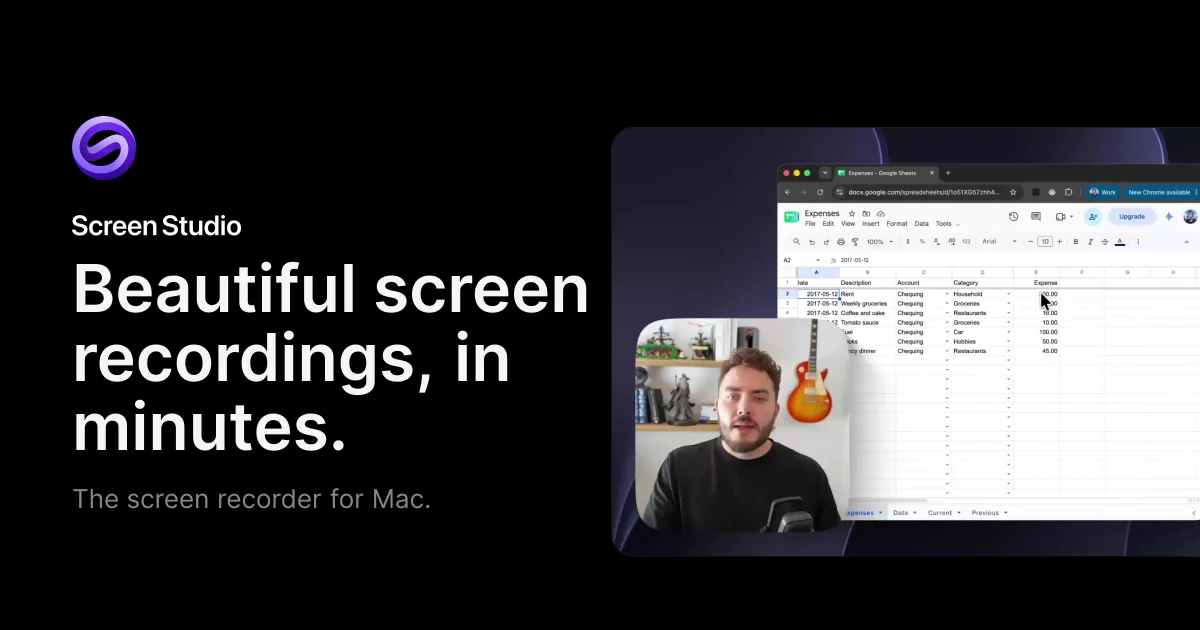
Best for: Mac users who want visually polished product clips.
What it is
Screen Studio records on macOS and automatically adds smooth zooms, cursor motion and backgrounds that make UI footage look polished.
Pros
- Beautiful automatic motion effects.
- Quick from recording to export.
Cons
- Mac only.
- No AI voiceover, written guides or localization.
Pricing
Screen Studio is sold as a paid license or subscription.
Storylane

Best for: Sales and marketing teams publishing clickable demos.
What it is
Storylane captures your product's screens and lets prospects click through a guided copy of it without logging in to the real app.
Pros
- Hands-on experience for prospects.
- Engagement analytics for sales follow-up.
Cons
- Setup and upkeep take time when the UI changes.
- Built for sales demos, less for training and support.
Pricing
Storylane has a free tier and paid plans for teams.
Appcues
Best for: Product teams guiding users inside the live app.
What it is
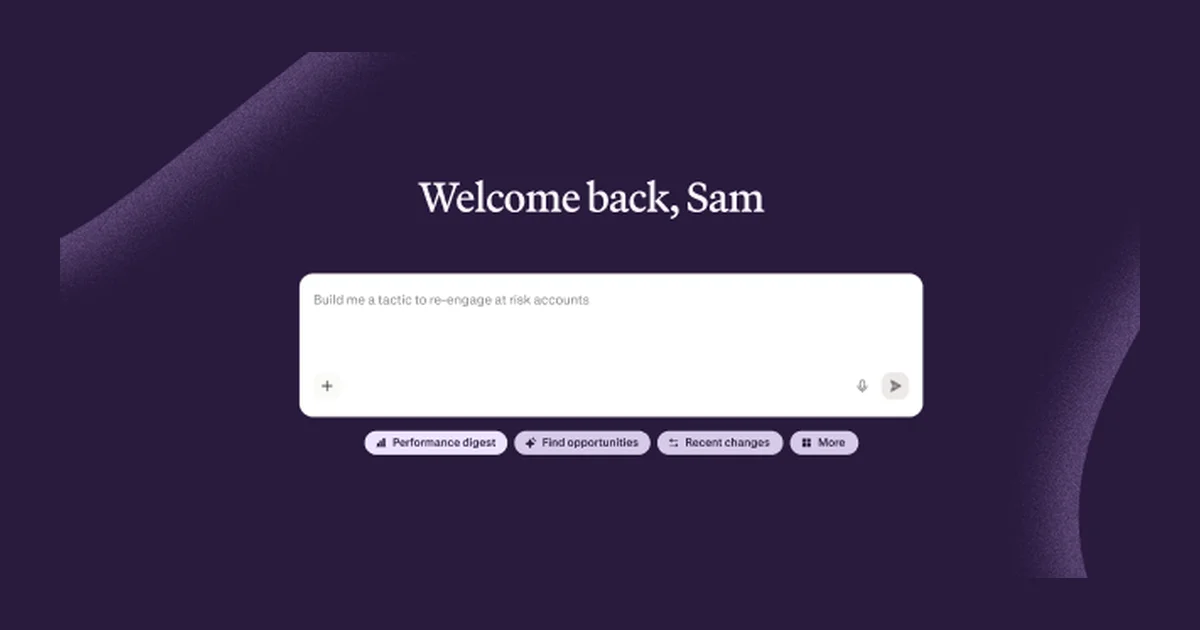
Appcues adds onboarding flows, tooltips and checklists on top of your product without code changes.
Pros
- Guidance appears exactly where users need it.
- Targeting and analytics for product-led growth.
Cons
- Hard to explain complex, multi-screen workflows in tooltips.
- Ongoing maintenance as the interface changes.
Pricing
Appcues sells annual plans priced by monthly active users.
Comparison table
| Tool | AI voiceover | Written guide | Easy updates | Languages | Best for |
|---|---|---|---|---|---|
| Stepio | Built in | Automatic | Edit the script | 100+ | Demos, tutorials, onboarding |
| Guidde | Basic | Automatic | Per step | Check plan | Browser how-tos |
| Loom | Your own voice | Not core | Re-record | Captions | Quick async messages |
| Camtasia | Manual | Not core | Manual edit | Manual | Highly produced tutorials |
| Screen Studio | None | None | Re-record | None | Polished Mac clips |
| Storylane | Limited | Not core | Recapture screens | Check plan | Interactive sales demos |
| Appcues | None | Not core | Per flow | Check plan | In-app onboarding |
Which tool fits your team
- Choose Stepio when you need polished walkthrough videos and written guides from one recording, in every language your customers speak.
- Choose Guidde for quick internal how-tos captured in the browser.
- Choose Loom for informal walkthroughs where speed matters more than polish.
- Choose Camtasia when you have a dedicated editor and need full creative control.
- Choose Storylane or Appcues when you specifically need clickable demos or in-app guidance, alongside your video walkthroughs.
FAQs
What is the difference between a walkthrough video and an interactive demo?
A walkthrough video shows a workflow from start to finish and works anywhere you can embed video. An interactive demo lets the viewer click through captured screens, which suits sales but takes more setup and upkeep.
How long should a product walkthrough be?
Keep demo videos to about two to four minutes, tutorials to three to five minutes and feature announcements under two minutes. Split longer workflows into several short walkthroughs.
Do I need video editing skills?
Not with AI tools like Stepio. You record your screen and Stepio writes the script, adds the voiceover, zooms, captions and branding, and builds the written guide.
How do I keep walkthroughs current when the product changes?
With Stepio you edit the script for the step that changed and regenerate. The video, guide and every translation update from the same source.