Quick summary
- Stepio translates a screen recording's voiceover, captions and step-by-step guide into 100+ languages from one source, with a glossary for product terms.
- HeyGen dubs talking-head video with voice cloning and lip-sync.
- Synthesia produces avatar-led videos that can be regenerated in other languages from the script.
- Rask AI dubs existing videos in bulk, aimed at creators and marketing teams.
- ElevenLabs offers high-quality AI dubbing and voices for teams that handle the rest of the edit themselves.
- Descript adds translation and dubbing on top of its transcript-based editor.
If your videos show software on screen, try Stepio. You get every language version of the video and the written guide from a single recording.
What to look for in video translation software
- Script quality before voice quality. A natural voice reading a clumsy translation still sounds wrong. Look for tools that translate the meaning of the script, not each sentence word for word.
- Timing. Translated speech is often longer or shorter than the original. Good tools fit the new voiceover to the video so it never runs ahead of what is on screen.
- Captions and on-screen text. Viewers notice when the voice is in Spanish but the captions are still in English.
- Terminology control. Product names, feature names and internal jargon should stay the same in every language. A glossary stops the AI from translating them.
- Updates. Products change. Check how much work it takes to update one step in ten languages, not just how fast the first translation is.
- Written documentation. If your team also needs help articles or SOPs, a tool that translates the video and the guide together saves a second project.
Top tools compared
Stepio
Best for: Product, onboarding and customer education teams that localize software demos and training into many languages.
What it is
Stepio starts from a screen recording. It cleans up the narration into a clear script, adds an AI voiceover and builds a step-by-step guide, then translates all of it into 100+ languages.
Because every language comes from the same script, a change to one step updates every version. The glossary keeps product and feature names untouched, and each translated video keeps the original screen demonstration with the voiceover fitted to it.
Key features
- Voiceover, subtitles and step-by-step guides translated together
- 100+ languages from a single source recording
- Glossary that keeps product names and internal terms consistent
- Voiceover timing fitted to the on-screen action
- Hubs that publish every language version in one shareable place
Pros
- One recording becomes a video and a guide in every language.
- Edits to the source script flow through to all translations.
- No re-recording or voice actors needed for new languages.
Cons
- Built for screen-based content, not for dubbing filmed people on camera.
- No lip-sync, since the focus is on screen demonstrations rather than talking heads.
Pricing
Stepio has a free plan, paid plans that scale with usage, and custom pricing for larger teams. See the pricing page for current plans.
HeyGen

Best for: Talking-head videos where the speaker should appear to speak each language.
What it is
HeyGen translates a video of a person speaking, clones their voice and adjusts lip movement to match the new language. It suits founder messages, sales videos and presenter-led lessons.
Pros
- Lip-sync makes dubbed presenters look natural.
- Voice cloning keeps the original speaker's voice across languages.
Cons
- Less useful when the video is mostly a screen recording.
- Does not produce written guides alongside the video.
Pricing
HeyGen offers a free tier, paid creator and team plans, and enterprise pricing. Check current limits on translation minutes before budgeting.
Synthesia
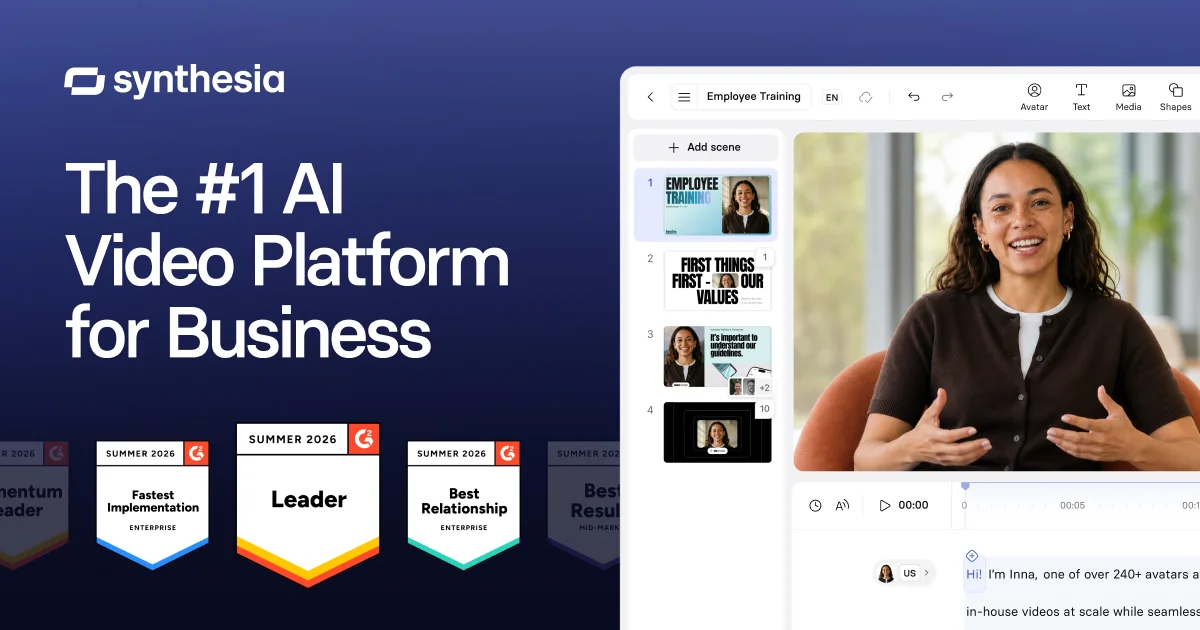
Best for: Corporate training built around an AI avatar presenter.
What it is
Synthesia builds videos from a script delivered by an AI avatar. Translating means regenerating the video from a translated script, which works well for content made in Synthesia to begin with.
Pros
- Consistent presenter across every language.
- Wide language and voice catalog.
Cons
- Best for videos created inside Synthesia, not for translating existing recordings.
- Screen demonstrations take extra assembly.
Pricing
Synthesia sells subscription plans and enterprise contracts. Confirm current limits on video minutes and languages.
Rask AI
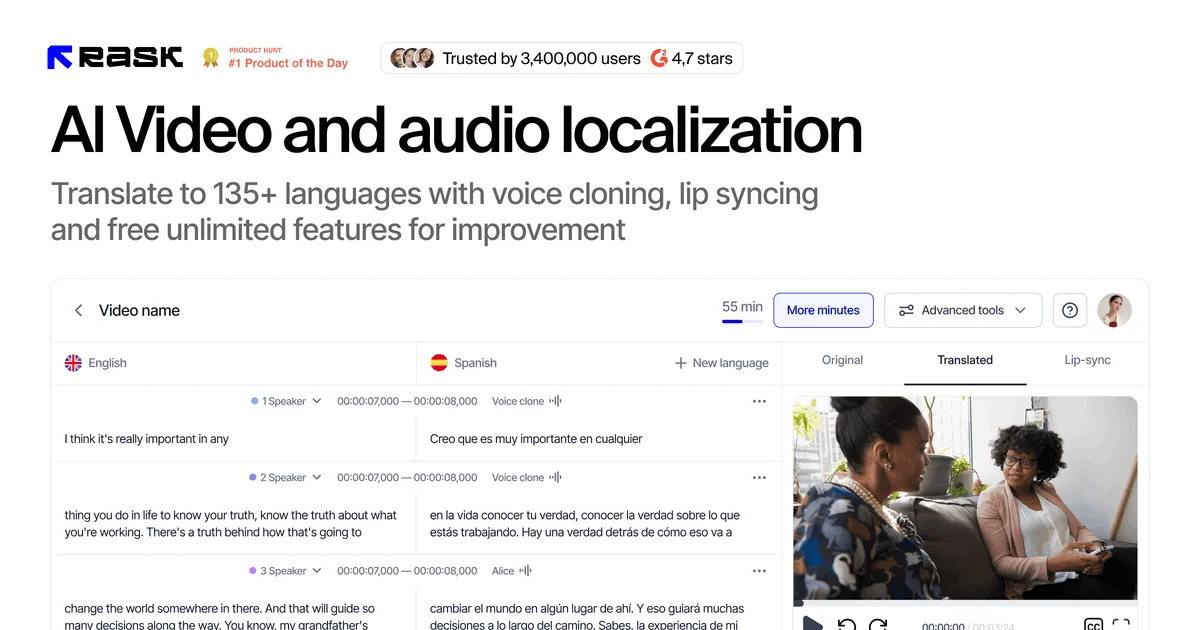
Best for: Creators and marketing teams dubbing a large library of existing videos.
What it is
Rask AI takes an uploaded video, transcribes it, translates the speech and produces a dubbed version with optional voice cloning and subtitles.
Pros
- Simple upload-and-dub workflow.
- Handles many videos and languages in bulk.
Cons
- Translation follows the original speech, so rambling narration stays rambling in every language.
- No written documentation output.
Pricing
Rask AI sells paid plans based on video minutes. Check current limits before comparing.
ElevenLabs
Best for: Teams that want top-tier AI voices and are happy to finish the video themselves.
What it is
ElevenLabs is known for realistic AI voices. Its dubbing tool translates speech while keeping the speaker's tone, and its studio lets you fine-tune the translated audio line by line.
Pros
- Very natural voices and emotion.
- Detailed control over the translated audio.
Cons
- Audio-first, so captions, on-screen text and guides need other tools.
- More hands-on work to reach a finished training video.
Pricing
ElevenLabs has a free tier and paid plans based on usage.
Descript
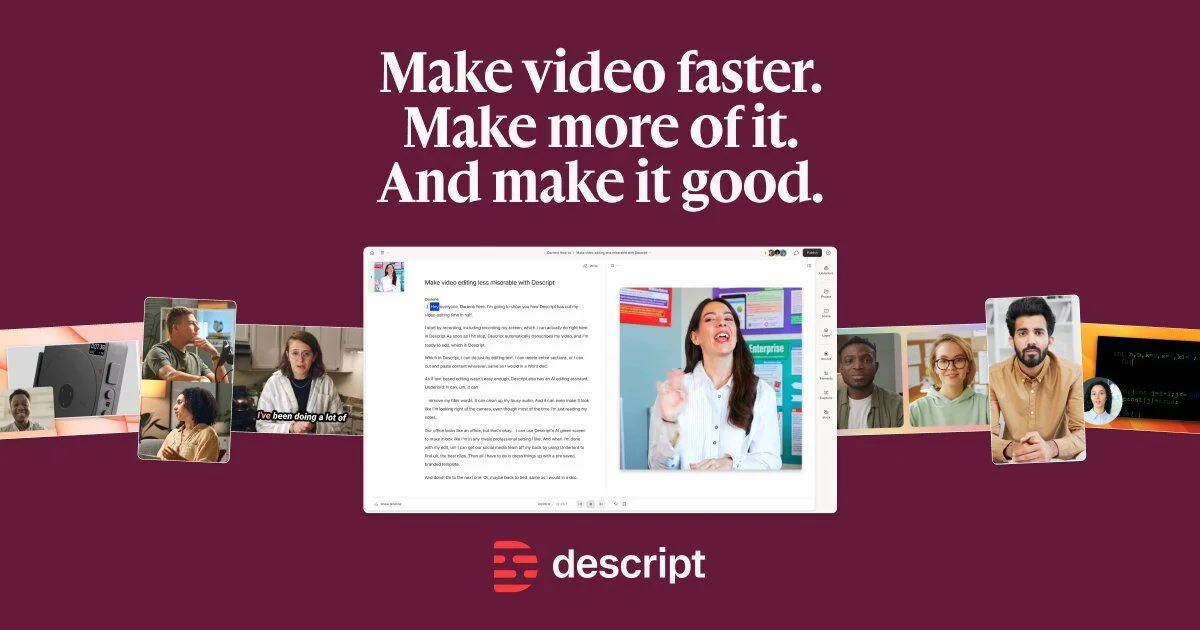
Best for: Teams already editing narrated video in Descript.
What it is
Descript adds translation and AI dubbing to its transcript-based editor, so you can translate a project without leaving the tool you edit in.
Pros
- Translation sits inside a familiar editing workflow.
- Easy to fix lines by editing the transcript.
Cons
- Each language is still a project to review and export.
- No step-by-step guide output.
Pricing
Descript has a free plan and paid per-user plans. Check current limits on translation and AI features.
Comparison table
| Tool | Voiceover | Captions | Glossary | Written guide | Best for |
|---|---|---|---|---|---|
| Stepio | AI voice, fitted to screen | Translated | Built in | Translated | Software demos and training |
| HeyGen | Cloned, lip-sync | Translated | Check plan | Not core | Talking-head video |
| Synthesia | Avatar voice | Translated | Check plan | Not core | Avatar-led training |
| Rask AI | Dubbed, cloning | Translated | Check plan | Not core | Bulk video dubbing |
| ElevenLabs | Studio quality | Limited | Manual | Not core | Premium voice dubbing |
| Descript | AI dub | Translated | Manual | Not core | Editing-first teams |
Which tool fits your team
- Choose Stepio when your videos show software on screen and you need the video and the written guide in every language, kept in sync as the product changes.
- Choose HeyGen when a real person is on camera and lip-sync matters.
- Choose Synthesia when your training is built around an AI presenter from the start.
- Choose Rask AI or ElevenLabs when you mainly need to dub a large library of existing videos and will handle the rest yourself.
FAQs
How accurate is AI video translation?
Accuracy depends mostly on the script. Stepio rewrites the original narration into a clear script before translating, and its glossary keeps product terms fixed, so translations read naturally and stay consistent.
Do I need to record the video again for each language?
No. With Stepio you record once. The screen demonstration stays the same and only the voiceover, captions and guide change per language.
What happens when my product changes?
Edit the step in the source script and regenerate. Every language version updates from the same source, so nothing drifts out of date.