Quick summary
- Stepio turns one screen recording into a polished training video and a step-by-step guide, then localizes both into 100+ languages.
- Synthesia builds presenter-led corporate lessons from a script, using AI avatars and a wide language catalog.
- HeyGen produces lifelike avatar videos with multilingual lip-sync for instructor-style content.
- Guidde captures software workflows as short narrated video guides and plugs into common business apps.
- Scribe records clicks and turns them into lightweight written how-tos with screenshots.
- Vyond makes animated, character-driven training with templates and brand controls.
- TechSmith gives experienced editors fine control through Camtasia, Snagit and Audiate.
- Descript lets you edit narrated videos and internal podcasts by editing the transcript.
- Tango creates browser walkthroughs with live, on-screen guidance inside web apps.
Try Stepio if you already have screen recordings and want a finished video and written guide out of each one, in every language your team works in.
Why employee training software matters right now
Most company know-how lives in people's heads, in old screen recordings nobody can find, and in wikis that went stale two releases ago. Training software turns that scattered knowledge into material a new hire can actually follow, and keeps it current when the product or process changes.
In 2026, HR and L&D teams expect AI to do the heavy lifting: drafting scripts, recording voiceovers, producing video and writing documentation from knowledge that already exists. The right tool cuts production time and makes updates cheap. The catch is that each product starts from a different input, whether that is a screen recording, a written script or a captured click path, and that starting point shapes everything after it.
We tested each tool hands-on against the criteria buyers care about most: how fast you can publish, how much editing it takes, how well it localizes, how tightly it follows your brand and whether it produces SOPs alongside video.
What to look for in employee training software
Score every platform on the whole journey, from the moment someone captures a process to the moment a new hire uses it on the job.
- Speed to publish. How long does it take to go from a raw recording or script to something employees can watch? Automatic scripting, voiceover, captions and zooms each remove a production step.
- Editing workflow. Who can make changes, and how much skill does it take? Script-based editing and automatic visual effects let subject-matter experts update training without a video editor.
- Localization and translation. Look for translated scripts, voiceovers, captions and on-screen text. A good workflow produces every language from the same source instead of rebuilding each version by hand.
- Brand customization. Check that you can lock in approved logos, fonts, colors, layouts and voices. Shared templates keep output consistent when many people create content.
- SOP and documentation support. Decide whether people need video only, or written steps too. A tool that generates both from one recording avoids duplicate work, while lighter tools such as Scribe or Tango may be enough for simple click-through docs.
How we evaluated these tools
Each tool was scored on the five criteria above, because they decide how much time an HR or L&D team spends on every training asset: speed to publish, editing workflow, localization, brand customization and SOP support.
We ran each product through a realistic training workflow: create the content, revise it after a process change, localize it and share it with employees. The ranking reflects how well each tool fits specific training needs, not how long its feature list is or what its marketing claims.
Top tools compared
Stepio
Best for: L&D, onboarding and customer education teams that need to turn real software demos into polished training videos and step-by-step guides, in many languages, without an editing team.
What it is
Stepio starts from a screen recording, not a blank script or a virtual presenter. Record the workflow once with the Stepio Chrome extension or upload a video you already have, and Stepio turns it into structured training content with smart zooms, captions and a clean pace.
It removes the editing work that normally follows a recording. AI rewrites rambling narration into a clear script and replaces it with a natural voiceover, so you can fix a stumble by editing text instead of recording again or booking a voice actor. Dead air and idle stretches are trimmed automatically.
The same recording also becomes a written step-by-step guide with screenshots. People who learn by watching get the video, people who need searchable steps get the guide, and nobody documents the process twice. Both can be translated into 100+ languages and published together in a Hub.
Key features
- One recording produces a training video and a step-by-step guide
- Script editor and AI voiceover, so filler words and false starts never need a re-record
- Smart zoom and silence removal applied to the parts of the screen that matter
- Translation of voiceover, subtitles and guides into 100+ languages, with a glossary that keeps product and internal terms consistent
- Brand kit with saved voices, glossary terms and video types, so every creator's output matches
- Hubs that publish videos and guides together in one shareable place
Pros
- Recording-first workflow fits software onboarding and process training naturally.
- AI scripting and voiceover cut most of the manual rewriting and audio cleanup.
- Video and written guide come from the same source, so they stay in sync.
- Each language version is generated from the original, not rebuilt by hand.
- Brand kit keeps content from many contributors on-brand.
Cons
- No built-in quizzes, branching or SCORM export yet, so graded courses still need an LMS.
- Built for screen-based training, not for avatar-led lessons written from scratch.
Pricing
Stepio has a free plan for trying the workflow, paid plans that scale with usage, and custom pricing for larger teams. See the pricing page for current plans.
Synthesia
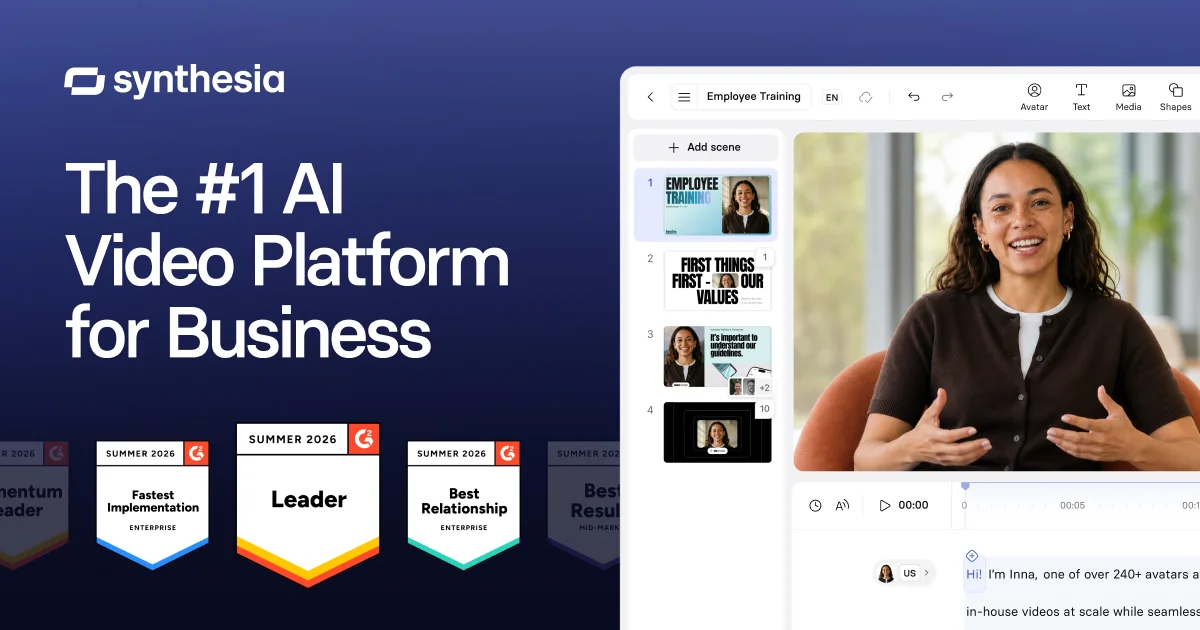
Best for: Presenter-led corporate training that begins with a written script rather than a screen recording.
What it is
Synthesia converts text into videos delivered by AI avatars, with a large avatar library and one-click translation.
It shines when you want a consistent virtual presenter for compliance modules, policy changes or company-wide announcements, and want localized versions without filming anyone or hiring voice talent.
Stepio starts from the opposite end. It turns a real screen recording into a training video and guide, while Synthesia builds presenter content from written material. Pick Synthesia when a presenter should deliver the lesson. Pick Stepio when employees need to see the product or workflow itself.
Pros
- Wide avatar library covers many presenter styles and formats.
- Broad language catalog lowers the effort of global rollouts.
- Real-time collaboration lets reviewers weigh in during production.
Cons
- Avatar-first production gives less natural creative control than filming a person or editing real footage.
- Machine translation can miss regional phrasing or policy nuance, so local reviewers should check key lessons.
- Screen-based product training takes more assembly than in a recording-first tool.
Pricing
Synthesia sells subscription plans and custom enterprise contracts. Confirm current limits on seats, video minutes, avatars and translation before comparing total cost.
HeyGen
Best for: Companies making presenter-style onboarding, policy or internal comms videos without filming an instructor.
What it is
HeyGen turns a script into a video delivered by a stock or custom AI avatar. You choose a presenter, paste a script, pick a voice and language, and generate the result. It starts from text and an avatar, whereas Stepio starts from a real screen recording and produces a training video plus a guide.
Pros
- Lifelike avatars make presenter-led lessons feel close to filmed instruction.
- Multilingual lip-sync supports localized training without new recording sessions.
- Custom avatars and voices keep one consistent instructor across a course library.
Cons
- Little direct support for turning software demos into polished SOPs.
- Avatar controls, translation options and verification steps take time to learn.
- An avatar can feel unnecessary when the lesson is mostly an on-screen workflow.
Pricing
HeyGen offers a free tier, paid creator and team plans, and enterprise pricing. Limits on usage, video length, avatars and collaboration differ by tier, so check current details before budgeting.
Guidde
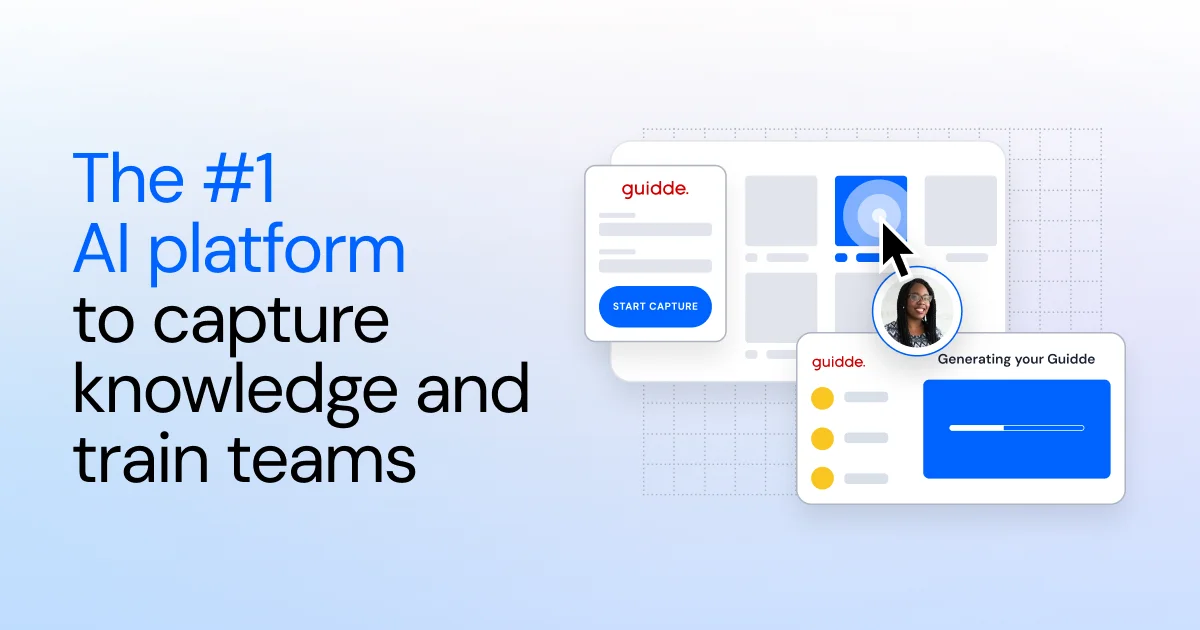
Best for: Companies producing short onboarding, software training and customer support guides.
What it is
Guidde records a workflow and uses AI to turn the captured steps into a narrated video guide. Its interface is friendly to non-technical contributors, so subject-matter experts can document a process without learning professional editing software.
Pros
- Capture-based workflow cuts the writing and editing for routine guides.
- Integrations support training around tools employees already use.
- AI narration means no separate voiceover session.
Cons
- AI-written scripts and narration still need a human accuracy check.
- Template-driven output can limit teams with specific visual requirements.
- Teams that want a polished long-form video and a detailed SOP from one recording may find Stepio a closer fit.
Pricing
Guidde has a free tier and paid per-user plans that add branding and collaboration. Check current per-seat pricing before comparing.
Scribe
Best for: HR and operations teams that need light, step-by-step instructions for routine software tasks.
What it is
Scribe watches a browser or desktop workflow and writes each action up as a step with a screenshot. You can edit the guide, add context and share or embed it in other knowledge tools.
Pros
- Automatic capture removes most of the screenshotting and writing behind process docs.
- Integrations make guides easy to surface in tools employees already use.
Cons
- Focused on static guides, not polished training video.
- Generated steps often need editing when a workflow has exceptions or needs background context.
Pricing
Scribe offers a free plan, paid individual and team plans, and enterprise pricing. Confirm current per-seat rates before comparing total cost.
Vyond
Best for: Larger companies that want stylized animated training on topics such as workplace conduct, safety and customer conversations.
What it is
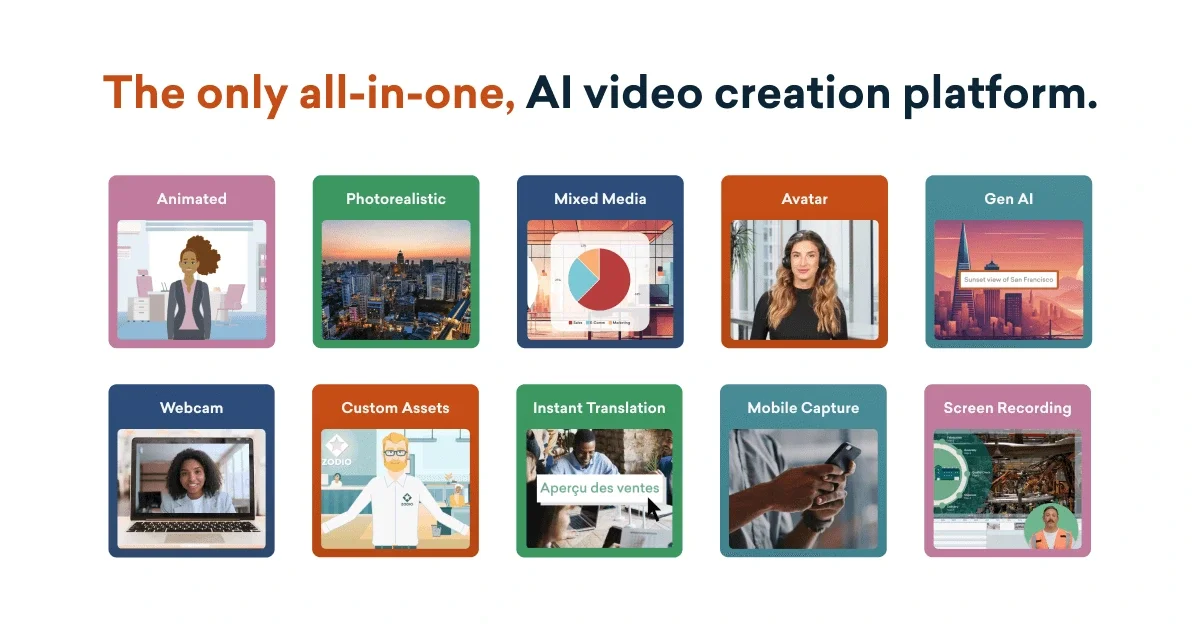
Vyond generates animated videos from written prompts and gives you control over characters, scenes, narration and branding. Animated scenarios can show sensitive or hypothetical situations that would be costly or awkward to film.
Pros
- Large template and asset library for corporate training.
- AI generation speeds up the first draft.
- Brand management and security features suit enterprise use.
- Animated characters make scenario-based lessons easy to stage.
Cons
- More scene-by-scene editing than tools that convert screen recordings automatically.
- The animated look may not suit software walkthroughs that need to show a real interface.
- Highly custom animation can bump against the template-based workflow.
- Written SOPs are not generated alongside each video.
Pricing
Vyond sells paid plans for individuals and businesses plus enterprise packages. Check current limits on AI generation, translation, collaboration and brand management before choosing a tier.
TechSmith
Best for: Enterprise training departments that want precise control over timelines, effects, audio and annotations.
What it is
TechSmith offers separate tools for capturing workflows, editing training video and polishing narration. The suite works well when an experienced creator wants to tune every cut and production detail by hand.
Pros
- Camtasia provides detailed timeline editing for polished training video.
- Snagit makes quick screenshots and short recordings easy.
- Audiate lets editors fix narration by editing text.
- Enterprise options support corporate training and internal comms programs.
Cons
- Far more manual editing than Stepio's recording-to-video-and-guide workflow.
- Camtasia's deeper controls take time to learn.
- Buying several TechSmith products can cost more than a single recorder or documentation tool.
- Does not automatically produce both a finished video and an SOP.
Pricing
TechSmith sells each product separately, with enterprise licensing available. Compare the combined cost of Camtasia, Snagit and Audiate against what your creators actually need.
Descript
Best for: Teams producing narrated training videos, recorded interviews or internal podcasts.
What it is
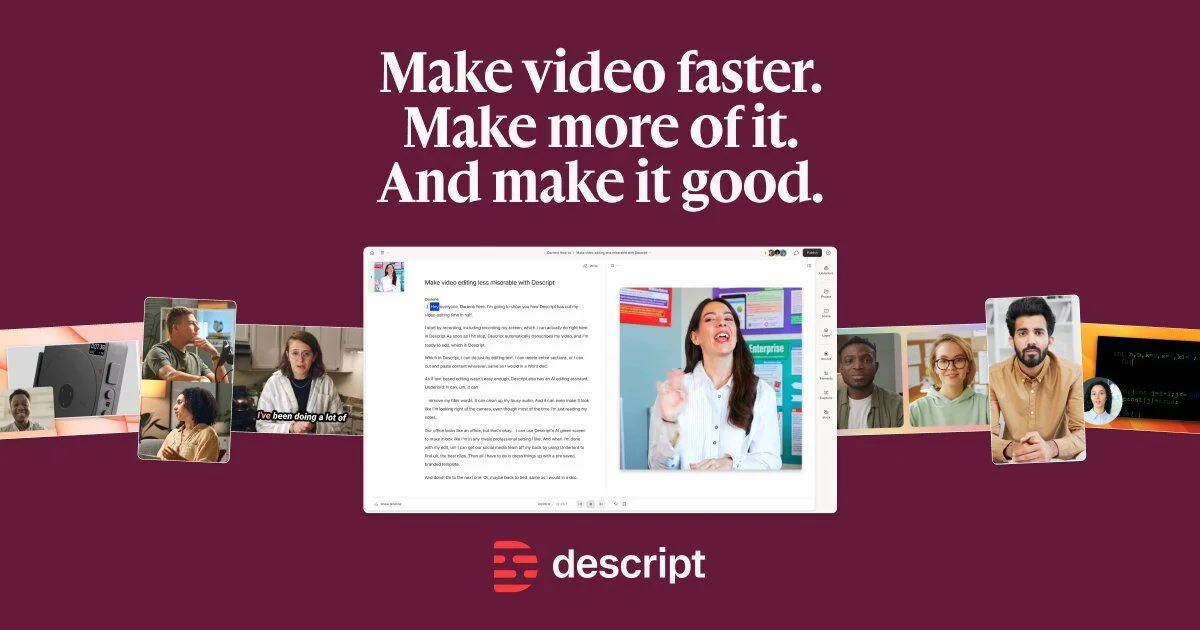
Descript brings transcription, screen recording, audio cleanup, video editing and AI-assisted production into one workspace. Shared projects and comments let subject-matter experts review scripts and recordings without passing files around.
Pros
- Editing the transcript makes spoken-content changes quick to make and review.
- AI tools remove filler words, clean up audio and generate captions.
- Collaboration supports shared editing and feedback.
Cons
- Less automation than Stepio for turning software demos into finished videos and SOPs.
- Advanced editing tools have a learning curve.
- Better suited to narration than to branching lessons or assessment-heavy courses.
Pricing
Descript has a free plan, paid per-user plans and enterprise options. Confirm current limits on transcription, AI features and exports before choosing a tier.
Tango
Best for: Teams that need light, step-by-step instructions inside browser apps.
What it is
Tango uses a browser extension to capture a workflow and turn each action into a visual guide. Share it as documentation or use on-screen guidance to walk employees through the process live.
Pros
- Captures steps with little writing and supports live, on-screen guidance.
- Integrations let employees follow instructions inside the app instead of switching to a video.
Cons
- The browser-extension approach limits coverage of desktop software and non-browser work.
- Focused on procedural guides rather than polished training video.
Pricing
Tango offers a free plan plus paid plans for individuals and businesses. Enterprise buyers should request pricing based on seat count and integration needs.
Where Mindstamp and iSpring fit instead
Mindstamp suits training programs built on interactive video. It adds embedded questions, branching paths and learner assessments, so each viewer can get different content based on their answers. Choose it over Stepio when complex interactivity matters more than turning screen recordings into videos and guides quickly.
iSpring suits formal courses that need quizzes, graded assessments and structured learner interactions. Its course-authoring tools fit compliance programs and anything that must measure understanding. Choose iSpring for assessment-heavy training, and Stepio when you need polished videos and documentation from screen recordings.
Employee training software comparison table
Match each tool against the workflow your training team runs most often.
| Tool | Speed to publish | Editing workflow | Localization | Brand customization | SOP support | Best for |
|---|---|---|---|---|---|---|
| Stepio | Automated | Script-based AI edits | 100+ languages | Brand kit | Auto guides | Software training video plus guide |
| Synthesia | Fast | Template-led | Broad catalog | Brand controls | Not core | Avatar-led corporate training |
| HeyGen | Fast | Template-led | Broad catalog | Avatar customization | Not core | Lifelike multilingual presenters |
| Guidde | Fast | AI-assisted | Check plan | Customizable | Video guides | Short software walkthroughs |
| Scribe | Fast | Guide editing | Not core | Basic | Step guides | Lightweight process docs |
| Vyond | Production needed | Animation editor | Workflow dependent | Strong controls | Not core | Animated scenario training |
| TechSmith | Manual workflow | Detailed control | Manual | Flexible | Manual | Professional screen editing |
| Descript | Transcript-led | Text-based | Transcript support | Flexible | Not core | Narrated video and podcasts |
| Tango | Fast | Guide editing | Not core | Basic | Step guides | In-browser process guidance |
Which tool fits your team
- Choose Stepio when you want existing screen recordings turned into polished training videos and step-by-step guides fast, in every language your people work in. AI cleans up the script, adds the voiceover and writes the documentation for you.
- Choose Synthesia or HeyGen for avatar-led videos. Both suit courses built around an AI presenter rather than a recorded software workflow.
- Choose Vyond when animation helps explain policies, workplace scenarios or abstract ideas. Stylized characters give you more visual range than an avatar presenter.
- Choose Tango or Scribe for lightweight process guides. Both capture a workflow and produce step-by-step instructions.
- Choose Mindstamp or iSpring when quizzes, assessments and branching drive the experience. These specialists fit compliance programs that need scored knowledge checks and different paths per learner.
Why Stepio leads for training video and SOP creation
Stepio comes out on top for teams that teach software and repeatable digital processes. You record the workflow once, and Stepio tightens the script, adds an AI voiceover, applies smart zooms and delivers a finished training video. Starting from the real process skips the blank-page scripting that avatar tools require and removes most manual editing.
The same recording also becomes a step-by-step guide. A new hire can watch the video for context, then follow the written steps while doing the task. Both formats translate into 100+ languages from the original, so a global team gets the same lesson without anyone rebuilding it. Of the products we reviewed, Stepio offers the strongest mix of fast publishing, automatic documentation and localization.
Synthesia and HeyGen remain strong picks for avatar-led courses, and Mindstamp and iSpring for assessment-driven training. For screen-based onboarding, try Stepio and turn a workflow you already know into a training video and guide.
FAQs
What is employee training software?
Employee training software helps you create, deliver and maintain learning material for your people. Stepio turns screen recordings into training videos and written step-by-step guides, so you document a workflow once and publish it in both formats.
Are AI-generated videos effective for employee training?
Yes, when they explain a clear process with an accurate script, visuals and narration. Stepio improves recorded workflows with AI-written scripts, voiceovers, captions and smart zooms, and lets you update training by editing text instead of recording every scene again or hiring a voice actor.
How can I localize employee training content?
Localization adapts training for another language and audience. Stepio translates the script, voiceover, captions and guide into 100+ languages while keeping the original screen demonstration, and a glossary keeps product names and internal terms consistent. Employees learn the same process in their own language.
What if I need quizzes, assessments or branching scenarios?
Interactive authoring tools such as Mindstamp or iSpring add questions, scored assessments and different paths per learner. Stepio focuses on producing the videos and guides themselves, which you can then host in your LMS or share through a Stepio Hub.
Can I use recordings I already have?
Yes. Upload an existing screen recording or capture a new one with the Stepio Chrome extension. Stepio works from whatever you already recorded, so there is no need to start over.