One Recording, Two Deliverables: How Stepio Turns a Single Take Into a Video and a Written Guide
Admin
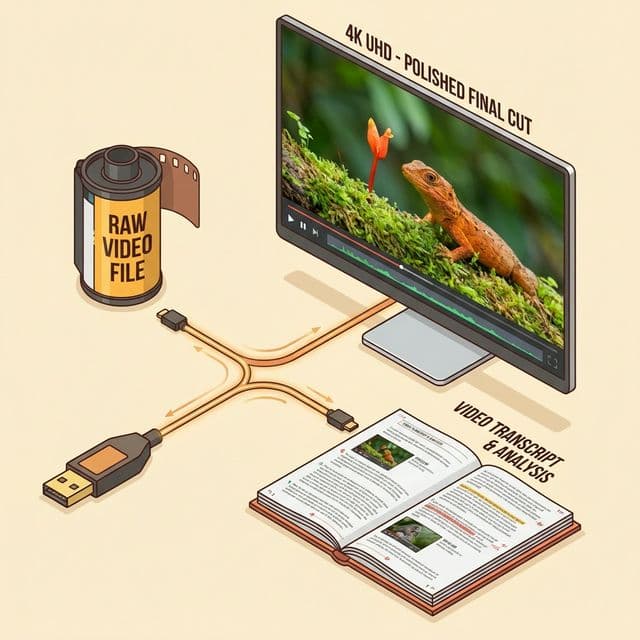
If you create training material, you've probably built the same tutorial twice: once as a video, and once as a written, step-by-step guide. You record and edit the video. Then you start over in a blank document, retype every instruction, grab and crop screenshots by hand, and format the whole thing for your knowledge base.
Doing the work twice isn't just slow — it's risky. The moment your product's UI changes, the video and the doc drift apart, and now you have two outdated assets instead of one accurate one.

Record once, get a video and a written guide together
Stepio's Auto Docs feature removes the second pass entirely. You record your screen one time, and Stepio generates a polished tutorial video and a fully formatted, step-by-step document from that same recording — automatically.
While you're recording, Stepio:
- Tracks every click and keystroke so it knows exactly what you did and when
- Captures a clean screenshot at each meaningful step, with no manual cropping
- Writes clear, numbered instructions for each step in natural language
- Lays the result out as a structured guide, with headings and numbered steps already in place
Because both outputs come from the same recording, your video and your documentation never fall out of sync — there's only one source of truth to maintain.
One guide, every language your audience speaks
Most teams support customers well beyond their home market, and rewriting documentation for each language is its own full-time job. Stepio auto-translates the generated guide into any of 47 supported languages, including right-to-left languages like Arabic, so non-English speakers get a guide that reads naturally instead of a rough machine translation bolted on after the fact.
When you publish, export the finished guide as HTML, Markdown, or PDF, or embed it directly into the knowledge base tools your support and onboarding teams already use, like Zendesk or Notion.

When your UI changes, you edit text — not re-record everything
Software interfaces change constantly, and a moved button or renamed menu used to mean re-recording and re-editing an entire tutorial from scratch.
With Stepio, you fix it the way you'd fix a typo. Edit the sentence describing the step that changed, and Stepio re-renders only that segment of the video and refreshes the matching screenshot in the doc — the rest of your tutorial stays untouched. That keeps your training library accurate as your product evolves, without the redo work that usually comes with it.